By iTECH2
Treat internet loss and power loss as separate events
A site can lose internet access while its local network still works. A camera with configured local storage may continue recording even if remote viewing is unavailable. A power outage can affect cameras, switches, recorders and door controllers at the same time. Identify each device and what supplies its power.
Check where video is actually written
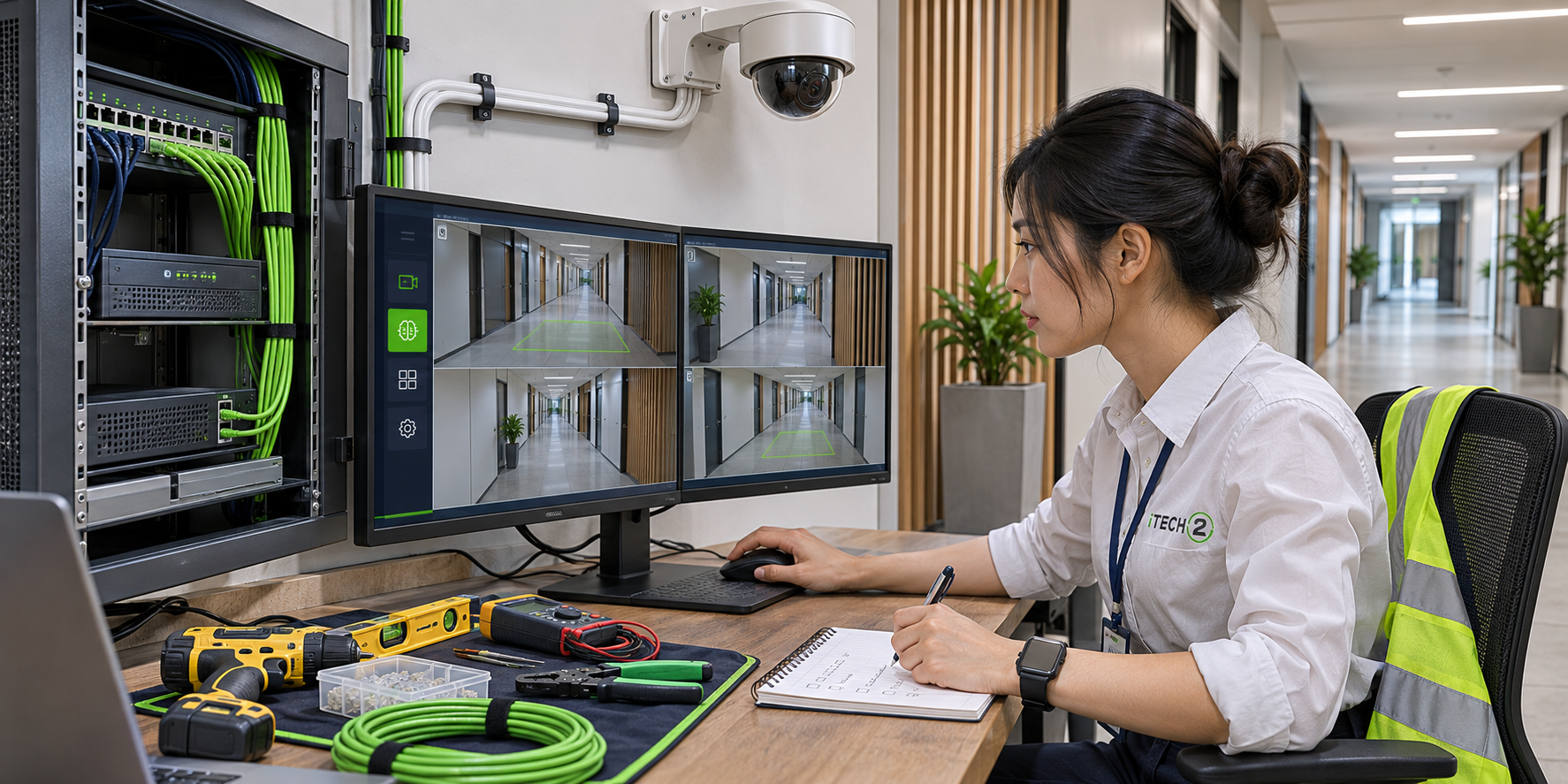
Find out whether the camera records to a card, a local recorder or the cloud. If the site uses a recorder, both the recorder and the path between it and the camera need to be available for that recording to continue. Ask whether a camera stores footage locally when the recorder is unreachable and how you can retrieve that footage.
Ask about each door individually
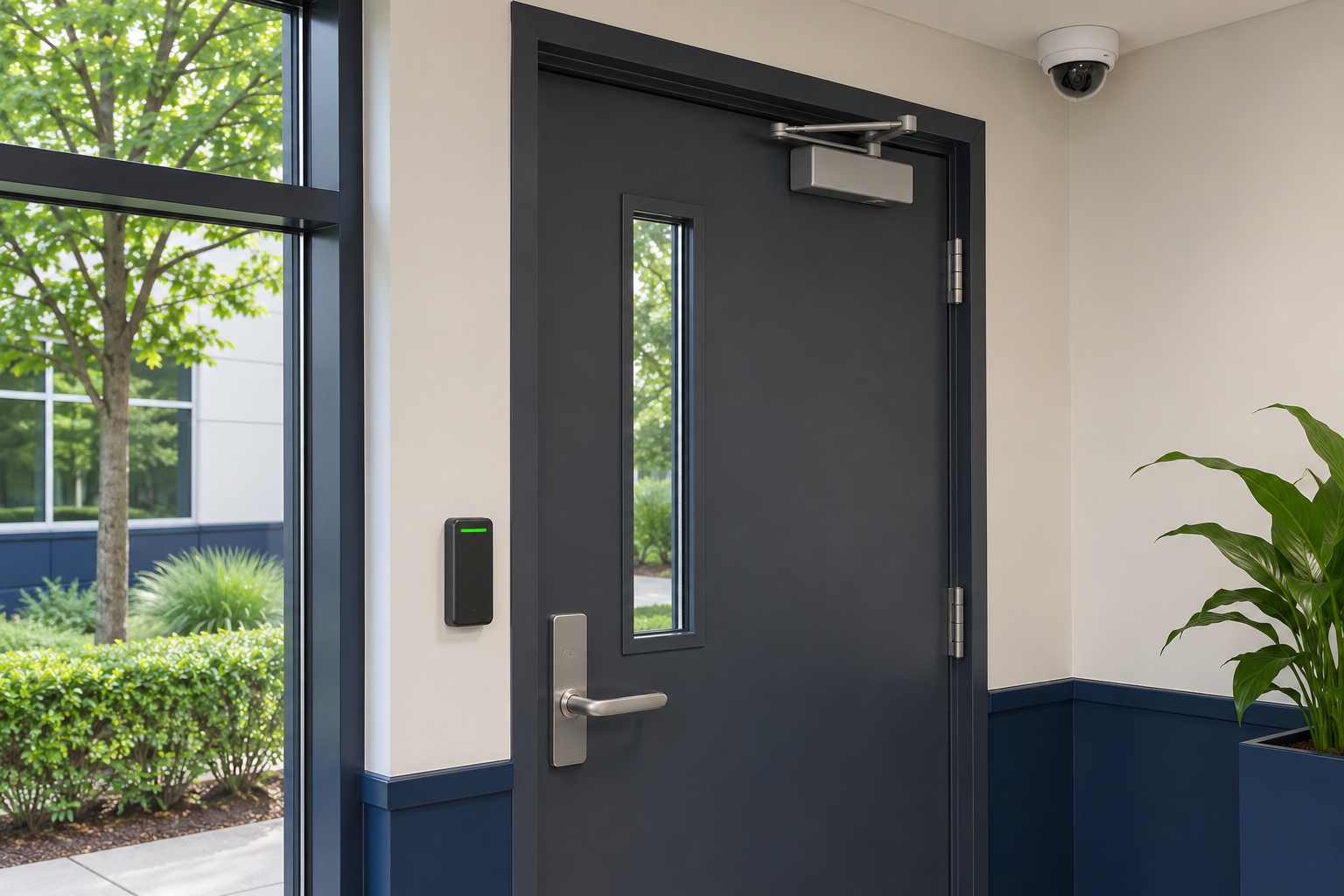
Confirm with the installer how each controller handles loss of internet, loss of communication with its server and loss of power. Ask which credentials it can process locally and when changes take effect. Have the responsible facilities team review any test that affects doors, emergency egress or building operations.
Include every dependency in the backup plan
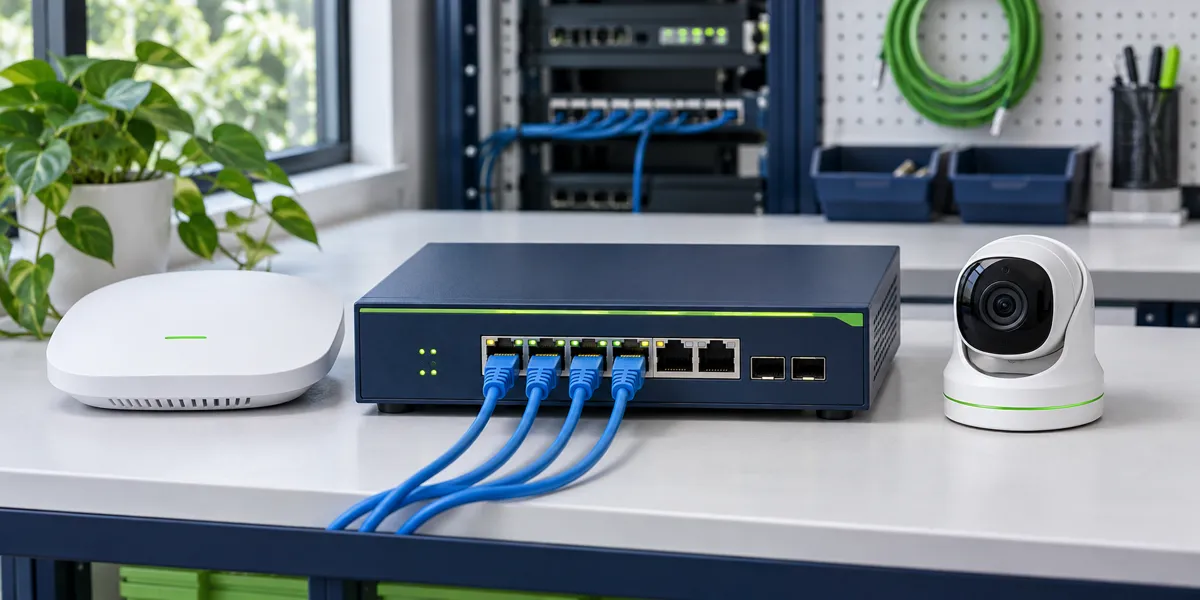
A battery backup on the recorder alone cannot power cameras connected to an unprotected network switch. List the equipment that must stay on and check the battery manufacturer’s runtime guidance at that load. Ask who checks the battery and what the system does after power returns.
Write down the evidence you need from a test
In an approved test window, record which camera clips can be retrieved, which notifications arrive and which access events are logged. Check again after service returns. Keep the results with the equipment list so they can be reviewed when a recorder, switch, battery or controller is replaced.
- Identify the outage
- Trace dependencies
- Verify recordings
- Check recovery
Checklist
- Locate camera storage and door controllers.
- Identify which devices have battery backup.
- Coordinate testing with facilities staff.
- Verify recordings and event logs after recovery.
Frequently asked questions
Will a UPS keep every device running?
It only supports equipment connected to its backup outlets, for a duration that depends on the load and battery condition. Trace the full path needed by each feature.