By iTECH2
Start with the alert someone will act on
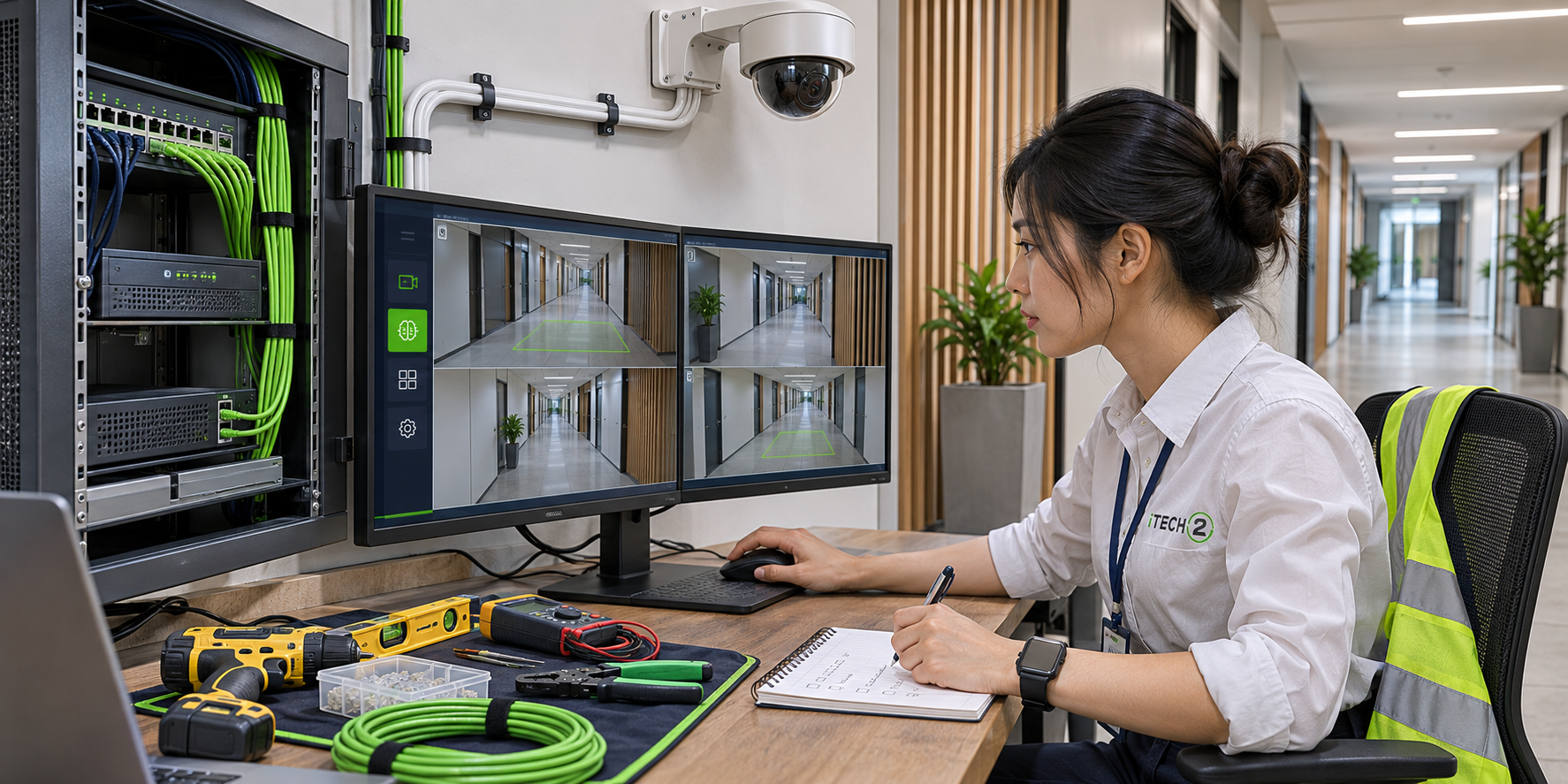
AI camera analytics can help when staff have a specific event to review, such as a vehicle entering a loading area after closing. List the event, the camera view, the recipient and the expected response. If nobody can respond, extra alerts can add work without changing the outcome.
Check the camera view and the low-voltage infrastructure
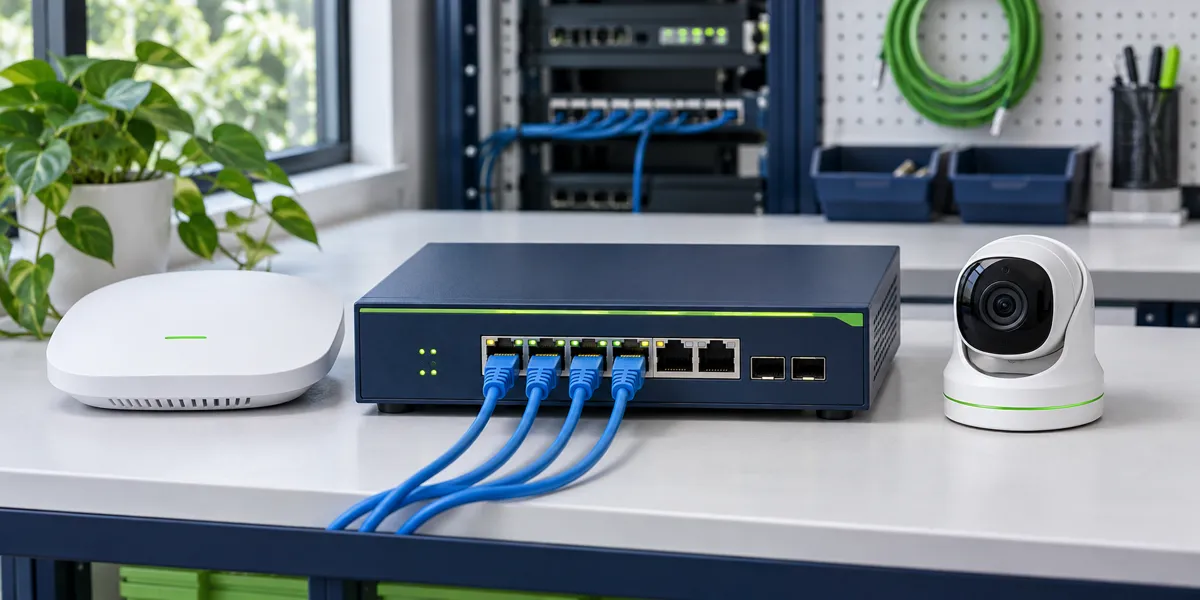
Inspect the view during normal operations and after dark. Shadows, headlights, weather and poor lighting can change how a scene performs. Check existing camera models, recorder compatibility, network drops, available switch power for PoE cameras and where footage will be stored. Ask which alerts or recording features depend on a subscription.
Pilot one entrance before replacing the whole system
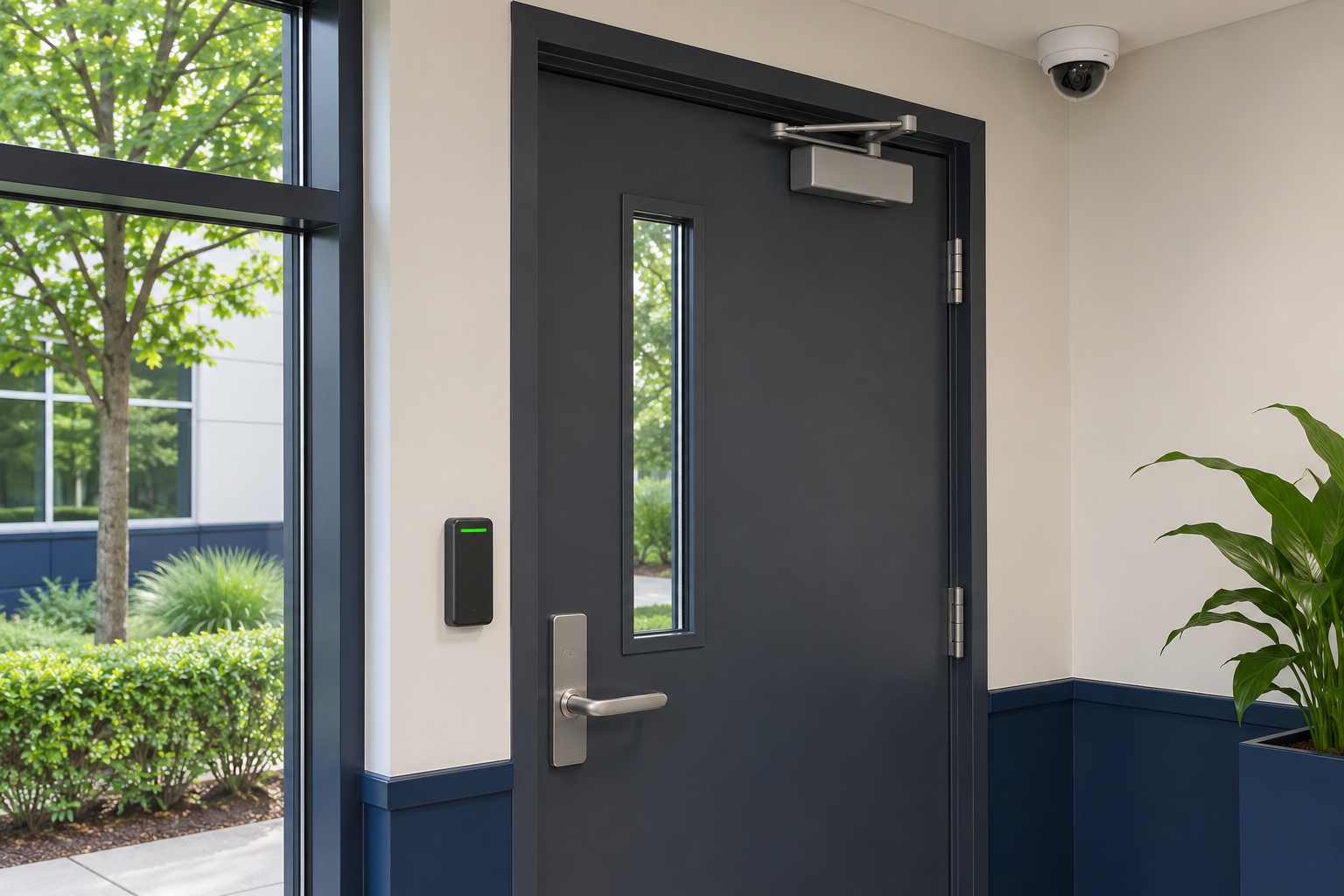
Choose a view with a known problem. Stage authorized test events during daylight and after dark, then review ordinary activity over several shifts. Record missed events, false alerts and whether staff could see enough context in the clip to act. Use those results to decide what to adjust before expanding.
- Camera view
- Detect the event
- Send a clip
- Staff reviews
Example: a loading dock that stays busy after closing
Suppose the dock closes at 7 p.m. but cleaners and scheduled carriers still use it. A rule that sends an alert for every motion could interrupt the person on call throughout the evening. Start with a defined vehicle entry zone and a schedule that reflects authorized deliveries. Ask the person reviewing the alert to note whether the clip shows the vehicle entering, where it went and whether another view would make the event easier to interpret. Use a separate rule if you also need to know when a person approaches an employee entrance.
Compare the full cost of three upgrade options
Ask for separate estimates for adjusting existing camera views and rules, upgrading the recorder or analytics software, and replacing cameras that cannot support the required view or events. Include installation, licenses, storage, after-hours notification handling and replacement costs. Confirm who can export footage and which clips are kept after a license expires. A pilot can show whether the existing equipment is sufficient for the first location.
Write down what counts as a successful pilot
Choose a review period and list the expected test events in advance. Keep separate counts for staged events detected, staged events missed and alerts from normal activity. Record the lighting and weather when an alert fails or arrives late. Review the clips with the person who will receive them in production, then decide whether to adjust the rule, reposition the camera or move forward.
Checklist
- Document the event, location and operating hours.
- Verify the camera view and recording after dark.
- Confirm who receives alerts and what they do next.
- Review results before adding more cameras.
Frequently asked questions
Can I add analytics to existing cameras?
Sometimes. Confirm that your camera, firmware and recorder or analytics platform support the event you need. Try a representative view before committing to a full upgrade.
Does AI video monitoring need an internet connection?
It depends on where detection runs. A compatible camera or on-site recorder may process events locally. Cloud processing and remote notifications can depend on internet access, so test what happens when it drops.