By iTECH2
Start with the link identifiers
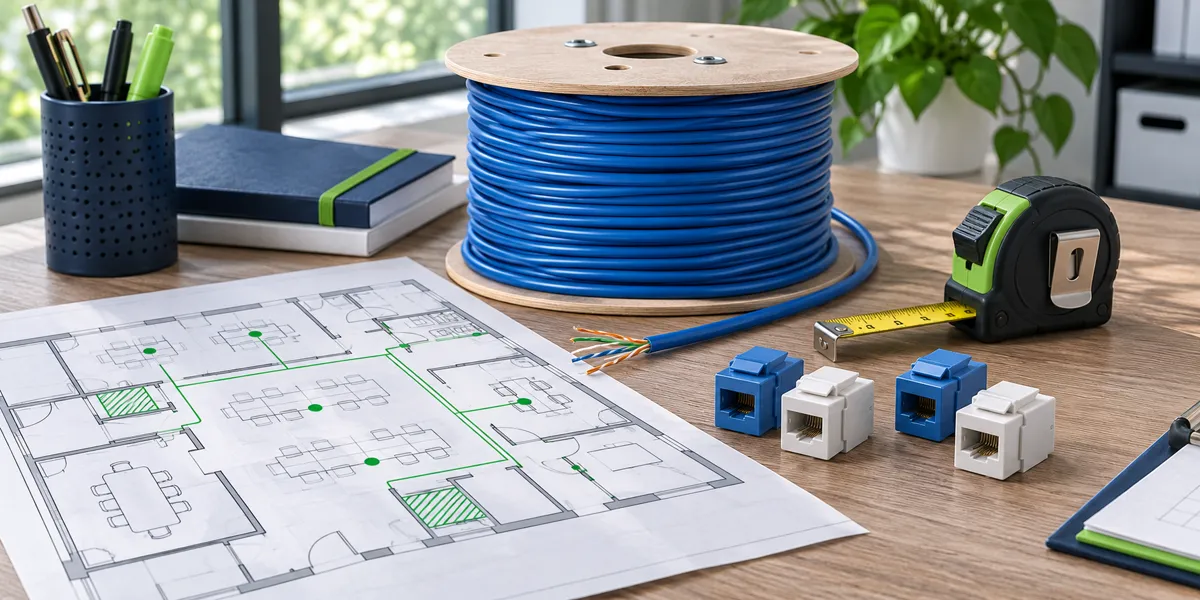
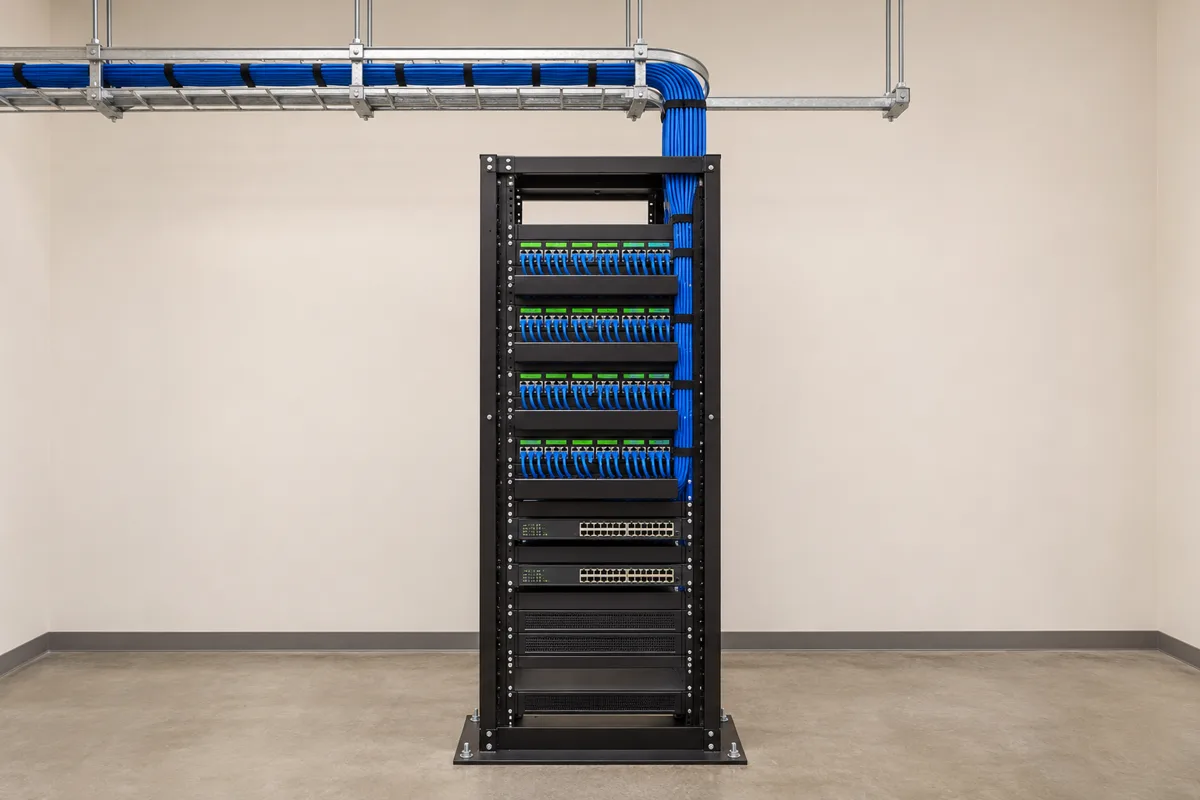
Pick an outlet on the floor plan and trace its label to the patch panel and the test report. Repeat in each part of the site. Ask the installer to reconcile duplicate IDs, unlabeled outlets and any drop in the scope that has no result. A stack of passing reports is hard to use if the links cannot be identified later.
Confirm which test was performed
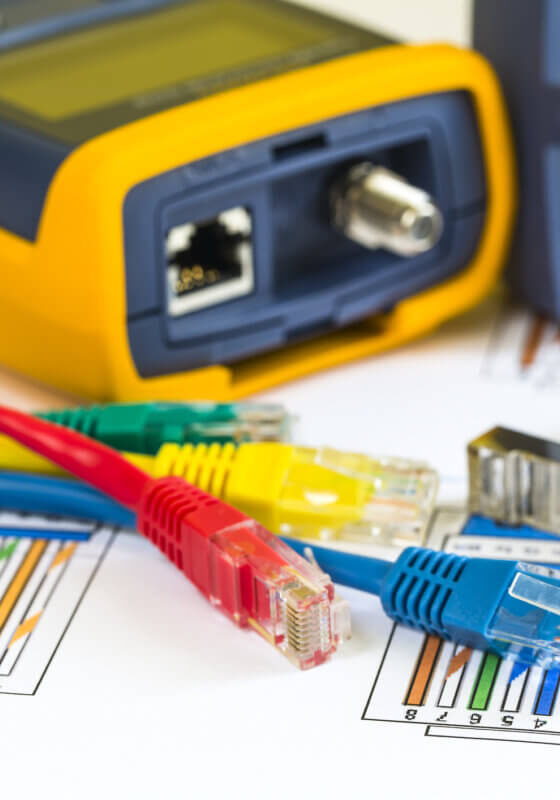
A wire map checks basic conductor connections. Qualification evaluates support for particular network applications. Certification checks performance against a defined cabling test limit. Compare the test named in the report with the work order and confirm whether the agreed scope covers the fixed link or the channel with patch cords.
Request final records after repairs
When a link fails, ask for the corrective action and a final retest tied to the same link ID. Keep the final results and marked plan together. If a link was excluded, record who approved the exception so the next project does not treat it as a certified outlet.
- Match the label
- Confirm test limit
- Check final result
- File the records
Example: 48 planned outlets and 47 test results
Compare the report export against the outlet schedule before approving closeout. One outlet might have been removed from scope, accidentally given a duplicate label or missed during testing. Ask for the corrected schedule or the missing result and record the resolution with the handoff documents.
Checklist
- Match test IDs to outlets and rack ports.
- Check the test limit against the scope.
- Confirm repaired links have final results.
- Keep reports alongside the marked plan.
Frequently asked questions
Does a link light prove a cable passed certification?
A link light confirms that connected equipment established a connection. Check the saved certification result for the agreed category and test configuration.