By iTECH2
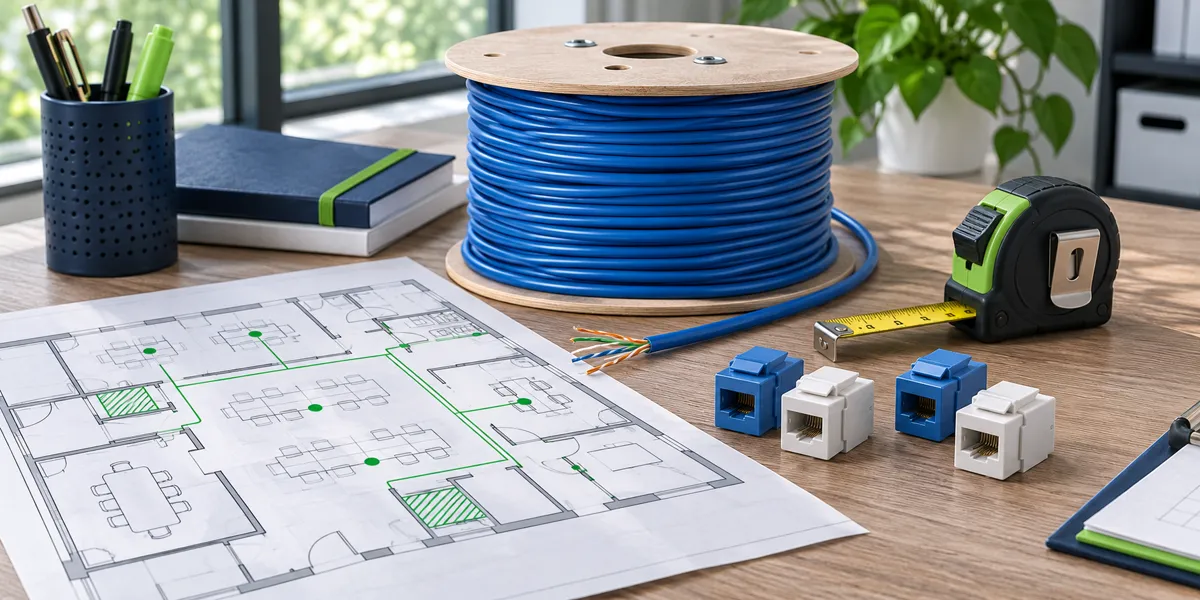
Start with a marked floor plan
Mark each desk, access point, camera and other device that needs a connection. Give each bidder the same drawing, target date and work hours. Ask them to identify assumptions such as an available ceiling pathway or sufficient space at the rack. If the drawings are incomplete, have each bidder state the allowance they included.
Separate the outlets from the work around them
A price per drop is easier to compare when each quote covers the same work. Ask whether it includes cable, connectors, patch panels, labels, pathway supports, lifts and work outside operating hours. If an existing pathway is blocked or full, find out whether clearing it or adding a new route is included.
Agree on testing before installation starts
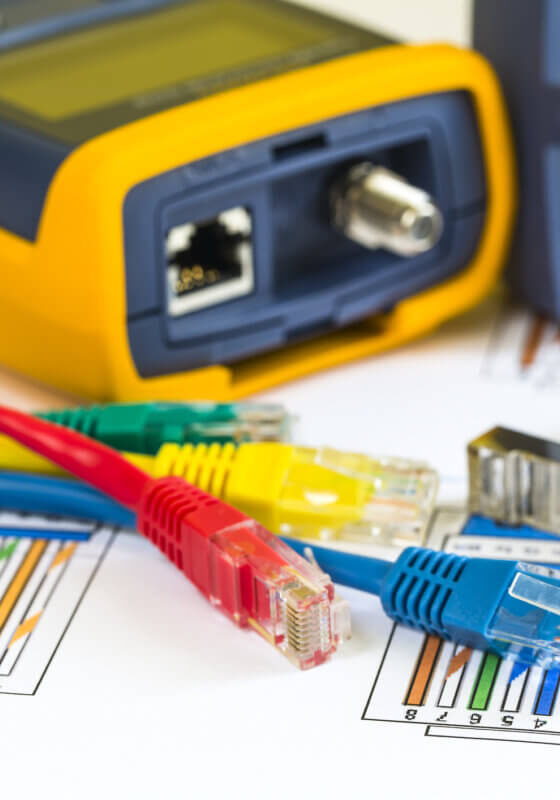
For typical office outlets, a permanent link test covers the fixed wiring between the patch panel and outlet. Ask the installer to specify the test limit, what gets tested and the format of the report. If an access point or camera cable ends in a plug instead of an outlet, ask how the installer will test that termination.
Compare two bids line by line
Suppose two vendors quote the same number of drops. One includes pathways, work after closing and labeled certification reports. The other assumes open ceilings and includes only a basic wire check. Ask both vendors to quote the same scope before comparing the total. Record the agreed exclusions in writing.
Define what you expect on the last day
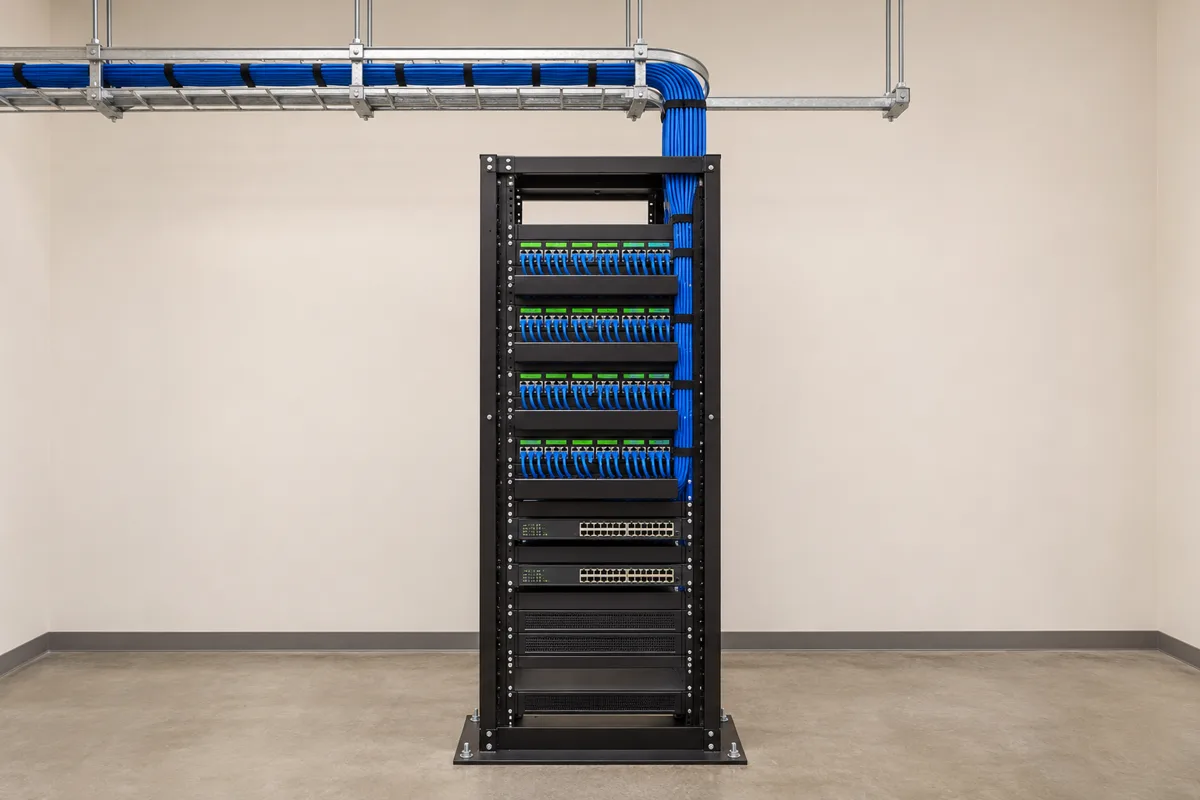
Ask for a port schedule, marked locations and the agreed test results. The link identifier should match the outlet, patch panel and report so another technician can trace the connection later. Agree on who fixes a failed link and who accepts the completed work.
- Mark outlets
- Compare scope
- Agree on tests
- Review reports
Checklist
- Send the same floor plan to each bidder.
- List exclusions and work hours.
- Specify reports and acceptance criteria.
- Confirm who fixes and retests failed links.
Frequently asked questions
Should every new outlet be tested?
Ask for the required test and documentation for every link in the scope. Confirm which report identifies each outlet and what happens if a link fails.