By iTECH2
Map where work stops
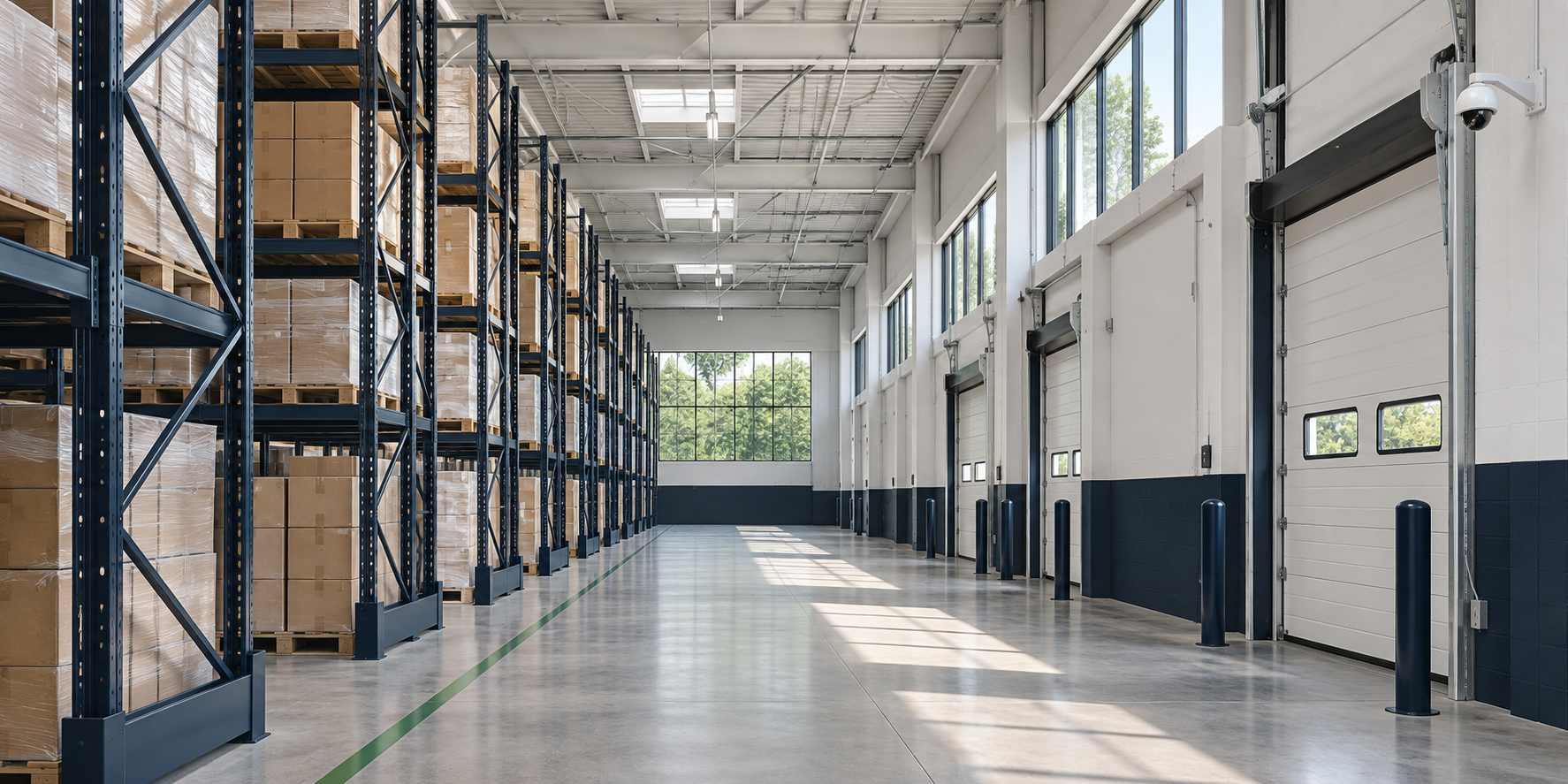
Ask operators to mark where the scanner first stalls and where it recovers. Record the device model, time, direction of travel and task. Separate a device that loses its connection from one that stays connected while the inventory app times out. Those symptoms call for different checks.
Repeat the route under working conditions
Test with the scanner used on the floor and with the aisles stocked as they normally are. Include receiving doors, aisle turns and staging areas. Repeat with a second scanner and compare with an aisle where the same task works. Keep device and application logs for the same time window.
Give the survey a clear acceptance test
Ask the survey team to check coverage and roaming along the actual route at scanner height. Agree on a test transaction, the equipment used and the locations to verify. Repeat after the change and keep the results with the floor plan so a future rack move can be evaluated.
- Mark the route
- Repeat the task
- Survey coverage
- Retest the route
Example: a scan stalls at the end of an aisle
Have one operator repeat the same scan route with the usual scanner. Have another operator repeat it with a spare of the same model. Record whether the app stalls while the scanner remains connected. If both devices fail in the same place, investigate that part of the route. If only one fails throughout the building, include the device and its configuration in the investigation.
Checklist
- Use the scanner model deployed on the floor.
- Test with typical inventory and traffic.
- Record the failing task and location.
- Repeat the route after any change.
Frequently asked questions
Will adding access points always fix it?
No. A survey can help identify whether the issue is coverage, interference, roaming behavior or an application problem. Test the change against the same route before expanding it.